
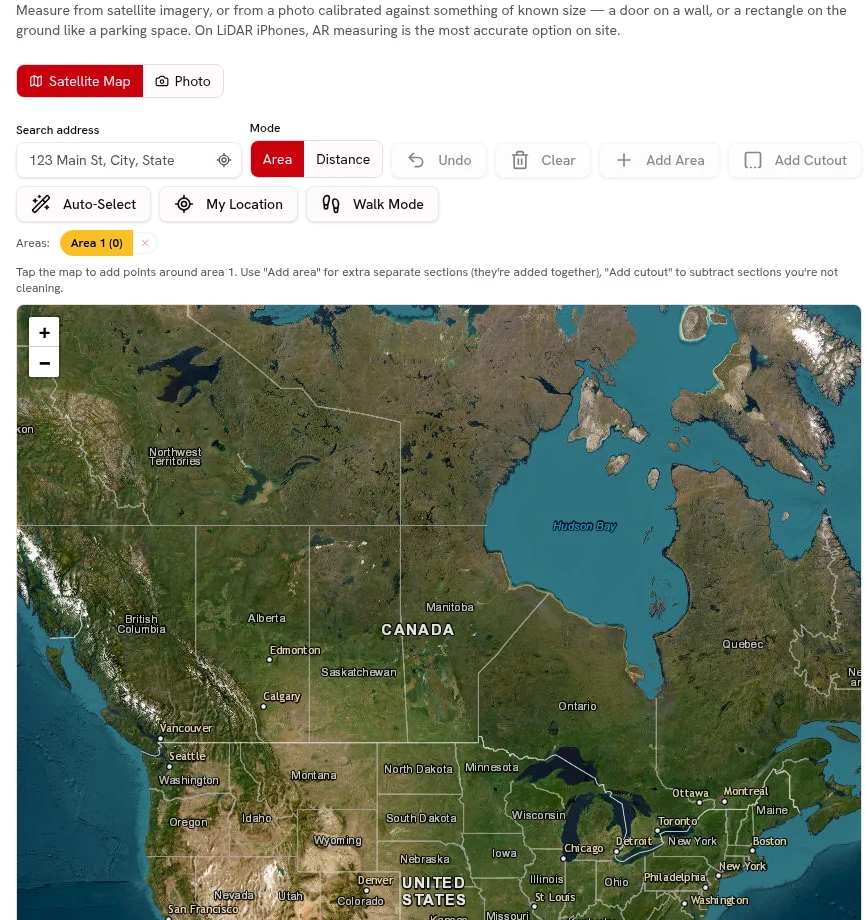
Line-item quotes
Quote the agreed pickup, labor and separately priced services on individual lines.
Separate services, attach photos, collect online approval and request a deposit.
Every plan

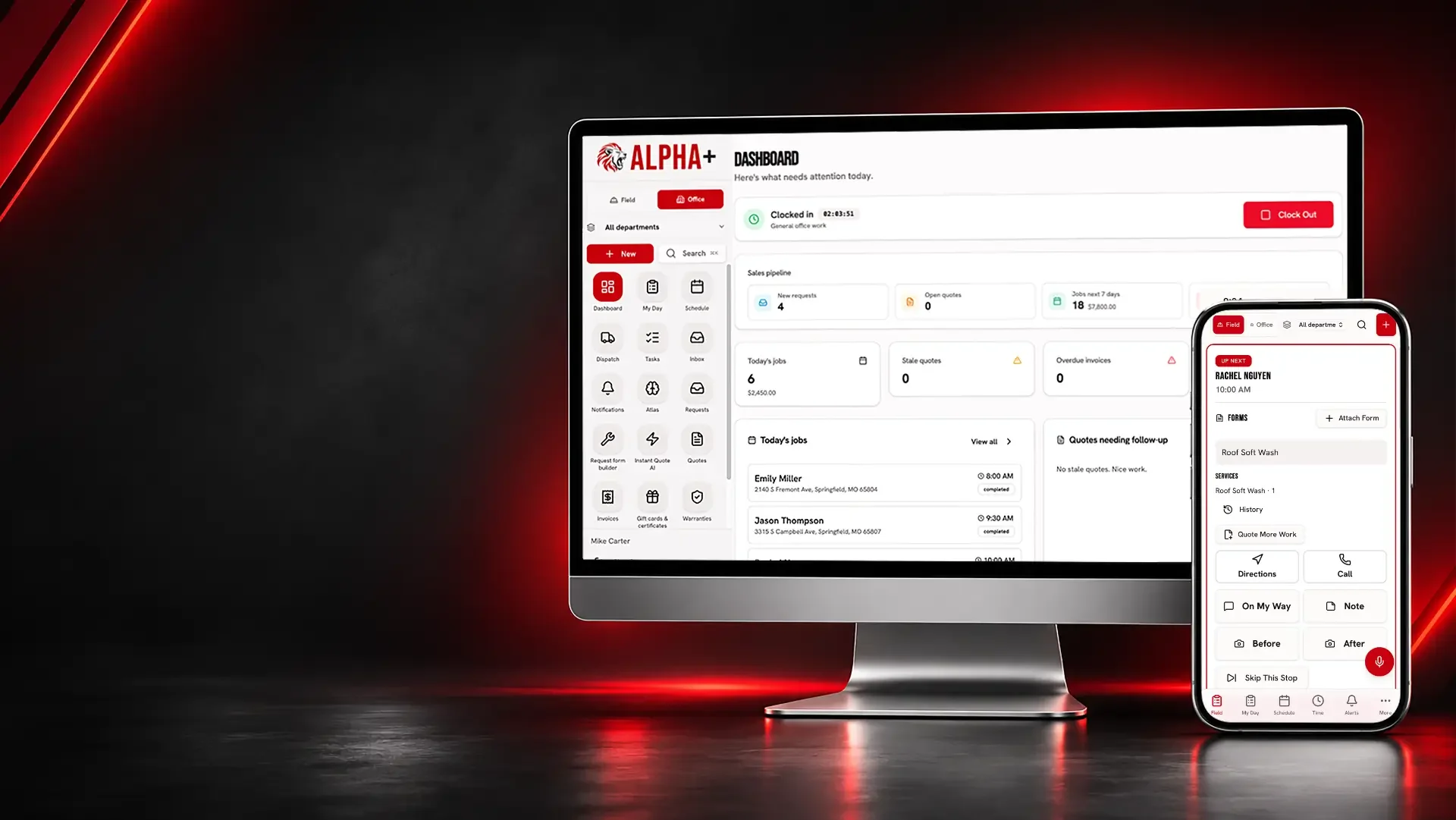
Organize cleanout estimates, pickup photos, property access and disposal costs from the customer’s first list to the final invoice.
Stairs, added items and tight truck access can change a pickup. Photos and a written service scope give your team a better starting point than a remembered text.
Junk Removal
Describe the removal before agreeing to a pickup price.
Quote the agreed pickup, labor and separately priced services on individual lines.
Separate services, attach photos, collect online approval and request a deposit.
Every planChoose truck cubic yards and an eighth, quarter, half, three-quarter or full load; use item dimensions and your Catalog rate to build the estimate.
Estimate cubic yards and truck-load fractions from entered dimensions, then use your approved Catalog prices on the quote.
Every plan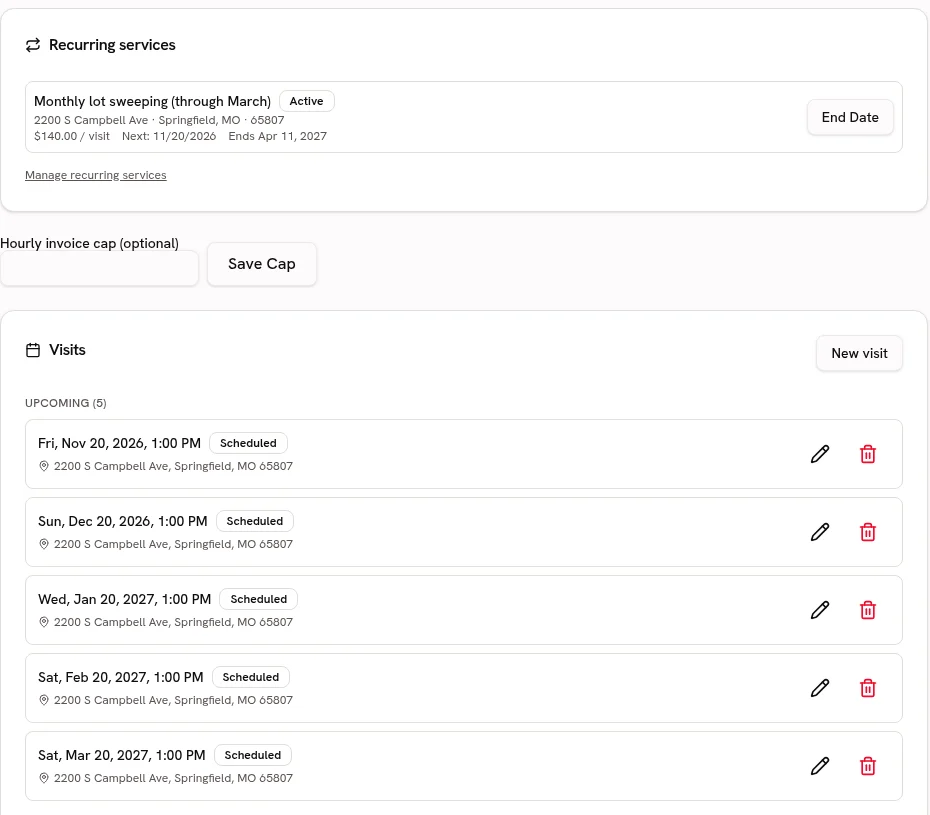
Keep pickup addresses and access notes with the correct customer property.
Keep service addresses, access notes and work history attached to the customer.
Every planStart your Catalog with household pickups, cleanouts and disposal extras; review the suggested guide ranges and confirm your own prices before quoting.
Choose from 21 trade packs with customer-friendly services, units, add-ons and relevant tool links. Suggested ranges are guides; the owner must confirm prices before quoting.
Every plan · Linked tools retain their plan requirementsBring in approved truck-load and pickup prices from CSV or Excel, preview the column matches and avoid creating duplicate services.
Preview and match service-list columns, including Jobber and Housecall Pro exports. Avoid duplicate services and confirm your prices before quoting.
Every planJunk Removal
Show the kind of cleanouts your team handles.
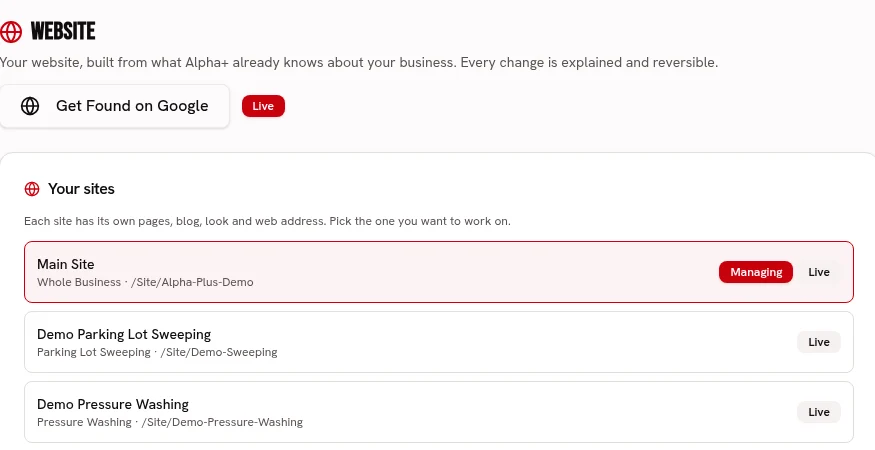
Build branded pages for household pickups and property cleanouts.
Build service pages with your logo, colors, fonts, job photos and voice.
Every plan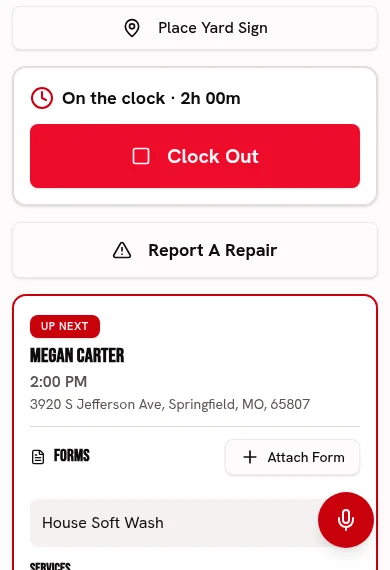
Use real cleared-space photos to show the outcome of your work.
Keep before-and-after photos and checked-off work with each visit.
Every planKeep property managers’ past cleanout jobs and service locations together.
Keep service addresses, access notes and work history attached to the customer.
Every planJunk Removal
Give the pickup crew the scope before the truck arrives.
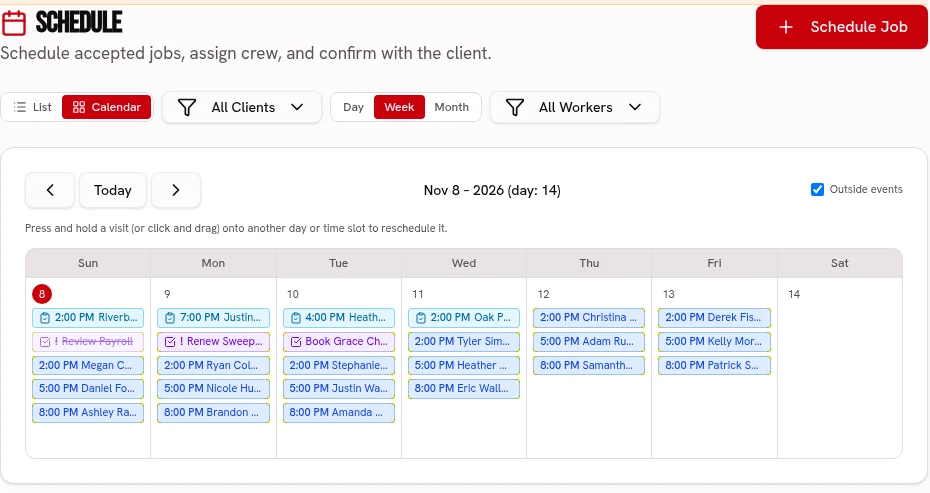
Schedule collection visits and assign crews and trucks on Crew or Fleet.
Keep visits on one calendar, with crew and truck assignments on the dispatch board.
Scheduling: every plan · Dispatch: Crew & FleetKeep a pickup checklist and before-and-after photos attached to the visit.
Keep before-and-after photos and checked-off work with each visit.
Every planUse client-property notes for stairs, gates and access details you have confirmed.
Keep service addresses, access notes and work history attached to the customer.
Every planJunk Removal
Keep disposal costs from vanishing behind the sale price.
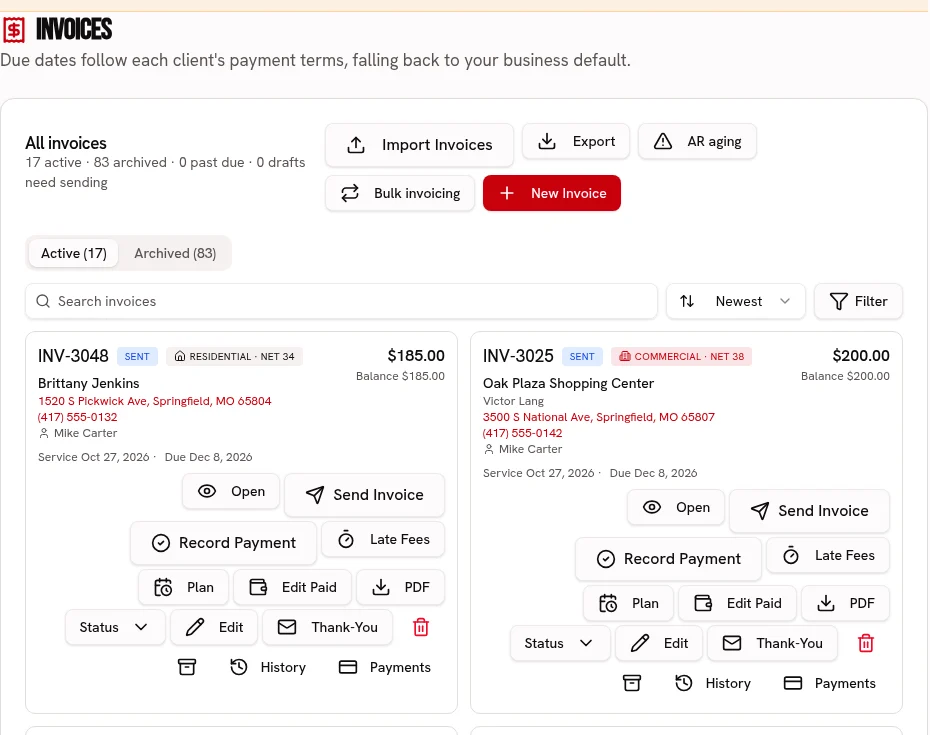
Send an invoice for the accepted removal services with an online payment link.
Send an invoice link, accept card or ACH, and record cash or checks.
Every plan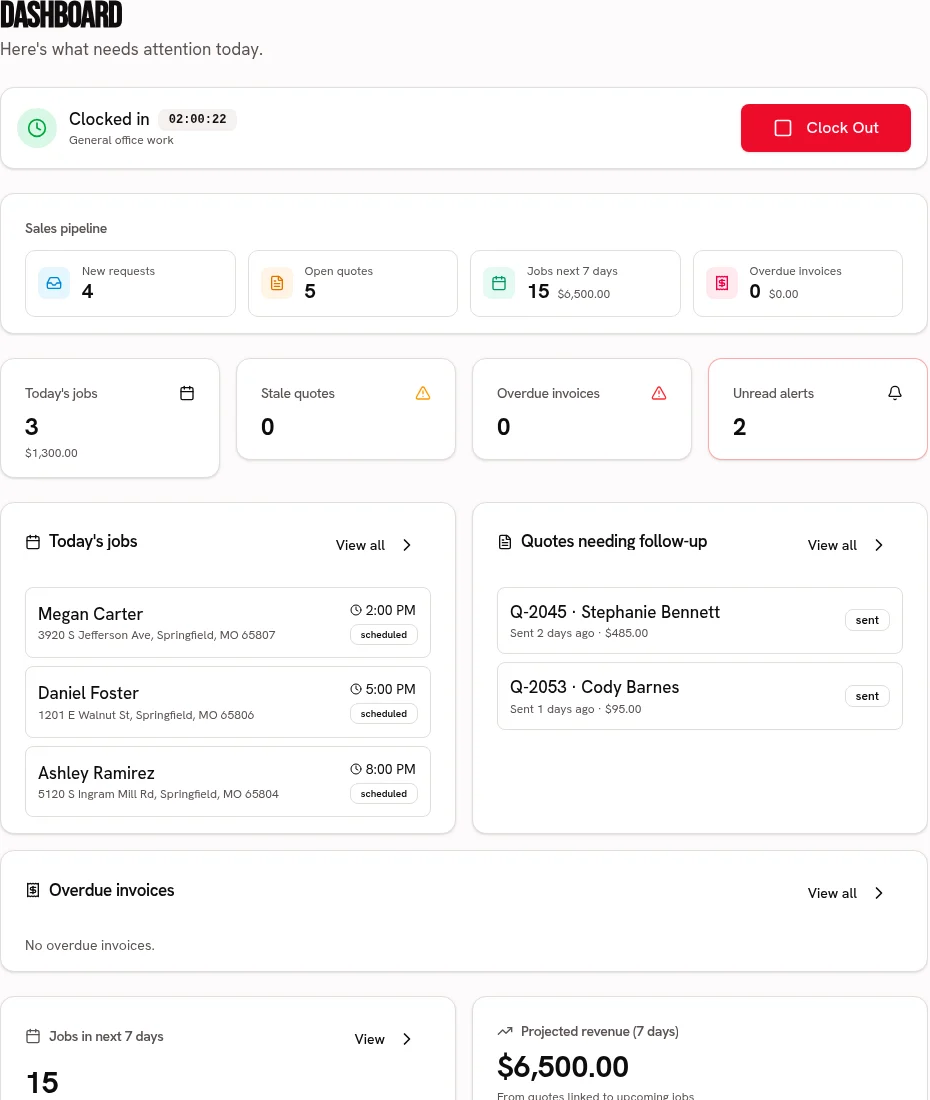
Record tipping fees, rentals and other job expenses when reviewing profit.
Compare job revenue with recorded labor, materials and expenses.
Every plan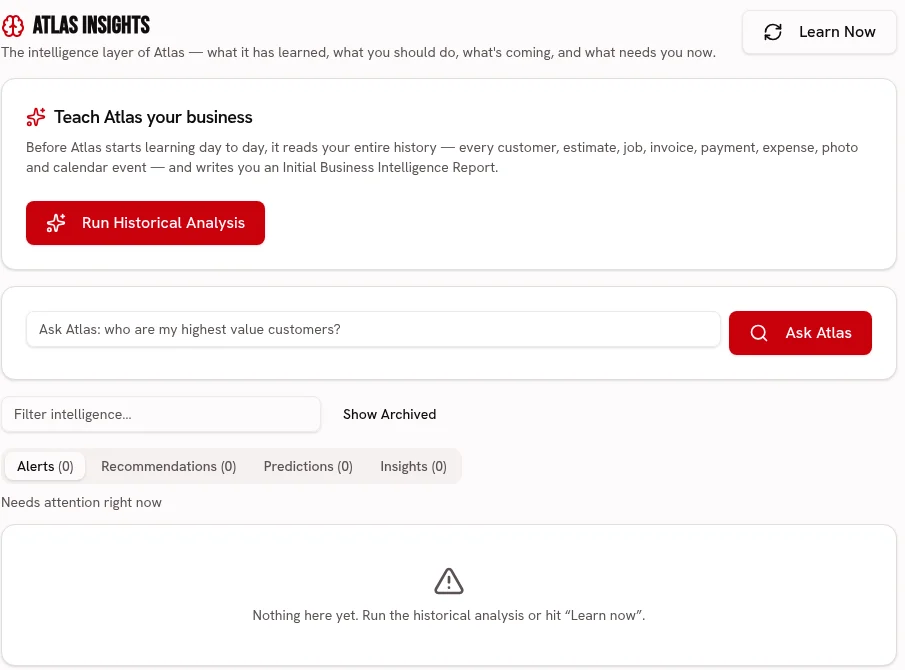
Ask Atlas about recorded cleanout revenue and costs, not automatic truck-fill estimates.
Ask about your business and review recommendations grounded in your business records.
FleetChoose truck cubic yards and an eighth, quarter, half, three-quarter or full load; use item dimensions and your Catalog rate to build the estimate.
Every plan
Build a price-ready service list for household pickups, cleanouts and disposal extras, with the owner approving every imported price.
Every plan · Linked tools retain their plan requirements
Start your 30 day free trial, or try Alpha+ for yourself.